


Our finance team had a workflow that touched three systems. They read data from one service, confirmed it in an external tool, then reconciled and checked it in the software we use for budgeting and tracking. None of it was hard. It was tedious, it had to be done for every employee, and it mattered to the business.
So the team described the workflow to Claude Code. What came back was a small web app that brings the three systems together on one page, and the team now uses it to run that workflow.
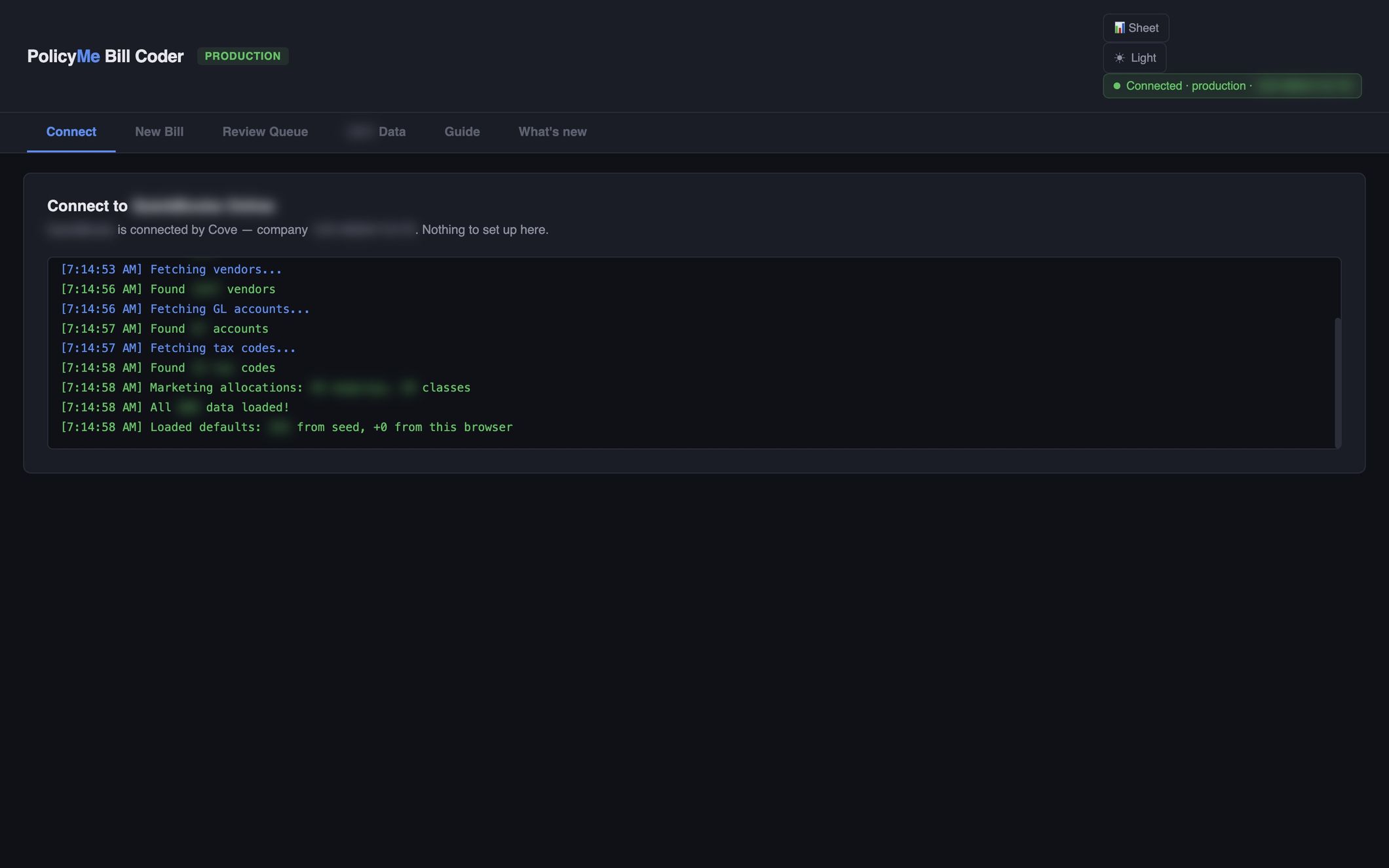
The interesting part is what that app doesn't contain. It has no login page and no API keys. It has no code that decides who may access the page, and no URL for any of the systems it reads. All of that lives in a platform we call Cove.
Cove is our internal app platform. Anyone at PolicyMe can connect a coding agent to it, describe the tool they need, and publish it for their team. Engineering owns the platform: who you are, what data you can reach, and the checks every app passes before it goes live. Teams own their Cove apps.
Figure 1 · Prompt to URL
Illustrative example
> Build an expense check that flags claims over policy for my team.
- create_appexpense-check
- write_app_file×3 files
- deploy_draftdraft link
- publish_draftlive link
Cove
no link yet
link shared with Finance
Expense check
Signed in as Raj- Taxi · $38OK
- Hotel · $612Over policy
- Team lunch · $96OK
create_app. The agent registers the app over MCP. The person typing becomes its owner.
write_app_file. Plain HTML, CSS and JavaScript files go to Cove. What the agent writes is what the browser runs.
deploy_draft. Cove runs every check on every file, then serves a private draft link.
publish_draft. Exactly that draft goes live, and the link goes to the team.
A colleague opens it. They are already signed in. The app asks Cove who they are and never sees a password or a key.
Three panels in a row, joined by two links. Left: a Claude Code window where someone types "Build an expense check that flags claims over policy for my team.", with a log of four tool calls: create_app (expense-check), write_app_file (×3 files), deploy_draft (draft link) and publish_draft (live link). Middle: Cove, with identity, storage, connectors and publish checks, joined to Claude Code by an MCP link. Right: a browser, joined to Cove by a "signed in" link. The figure steps through five stages. 1, create_app: the agent registers the app over MCP, and the person typing becomes its owner; Cove shows expense-check · restricted. 2, write_app_file: three plain files (index.html, app.js, styles.css) go to Cove's storage, with no build step. 3, deploy_draft: Cove runs every check on every file, then serves a private draft link. 4, publish_draft: exactly that draft goes live, and the link goes to the team; Cove shows live · shared with Finance. 5, a colleague opens it: the browser shows /apps/expense-check/, the Expense check app signed in as Raj, listing Taxi · $38 OK, Hotel · $612 Over policy and Team lunch · $96 OK, with the note no login form · no keys · no URLs. The app asks Cove who the viewer is and never sees a password or a key.
Why we built it
We noticed people outside engineering building useful tools for their teams with AI. As those tools got more useful, they picked up production concerns without production infrastructure. Teams wanted access control. They wanted real data. And they wanted Claude Code to build integrations with the external services they use every day.
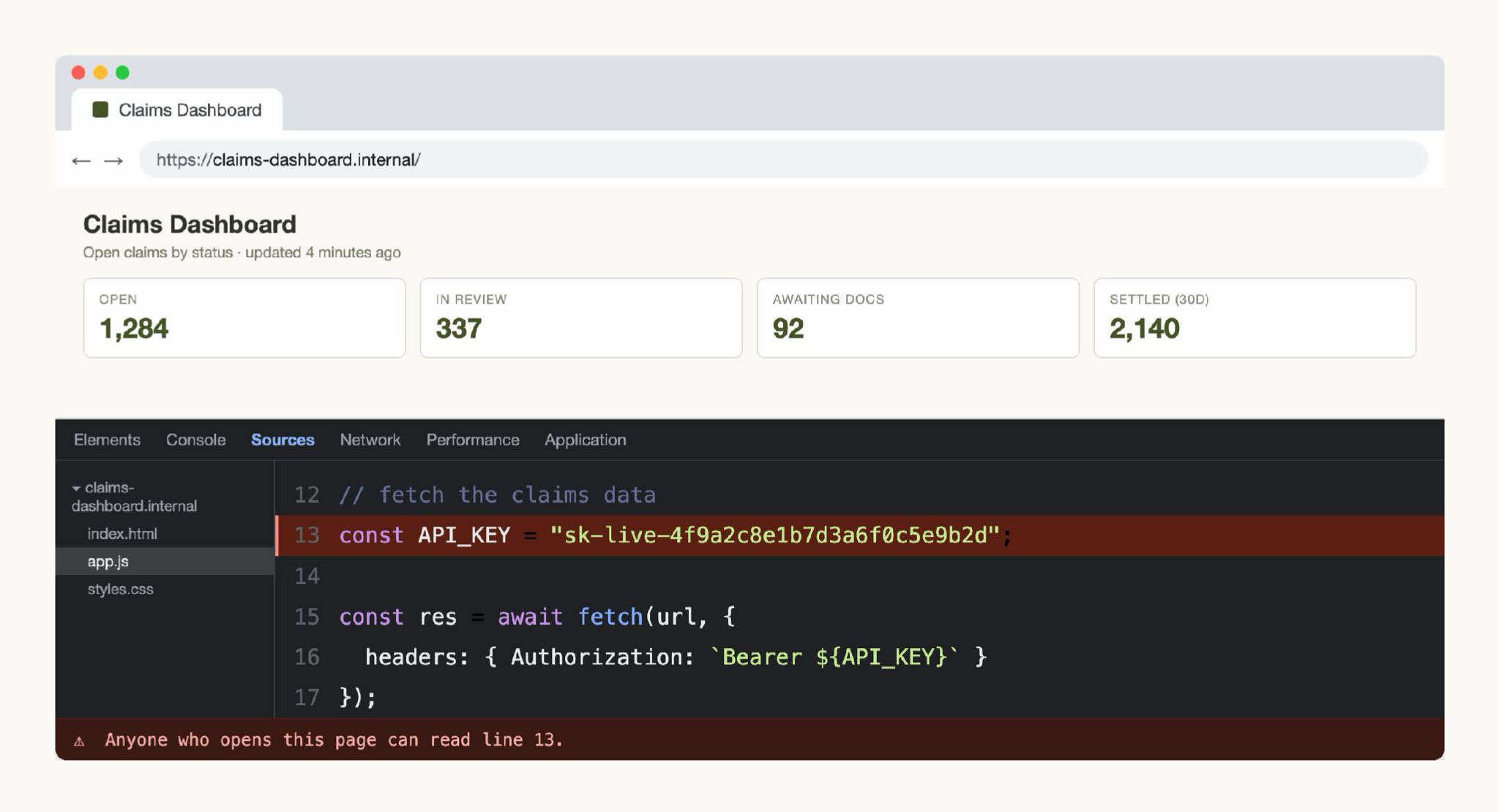
Real data is where the risk starts. To reach reporting data, a ticket board or an AI model, an app needs a credential. The quickest way for a coding agent to make the app work is to put that credential in the page. The key then ships to every visitor along with the HTML, and anyone who opens developer tools can read it.
We're an insurance company, so we take security and privacy seriously. We also want to stay at the front of this technology and give everyone at PolicyMe access to the best tools. We didn't want to choose between those two goals.
So we started designing a platform for it, built around MCP so that any coding agent could publish to it. Along the way we read how Shopify built Quick and how Wealthsimple built Magic. Both confirmed a lot of what we had planned, and we borrowed from both.
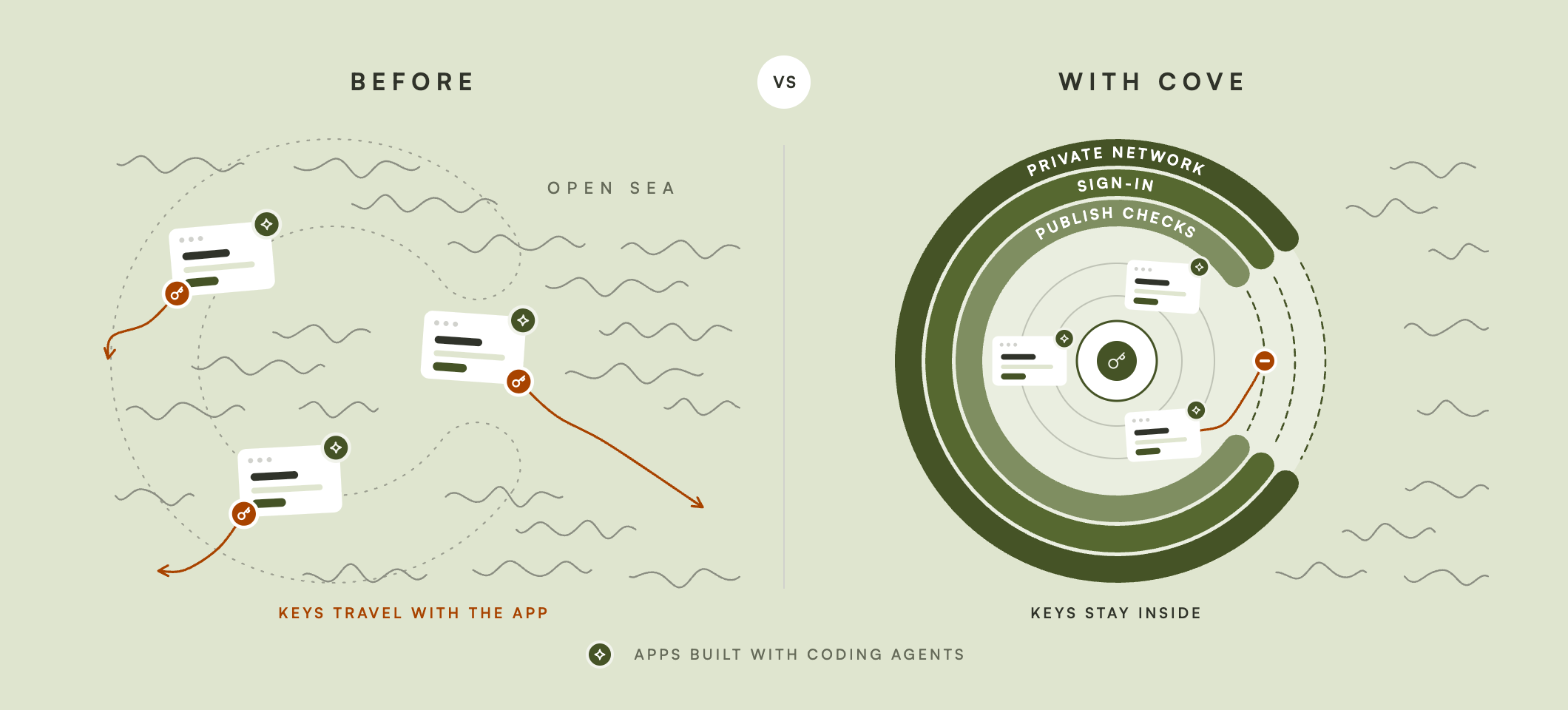
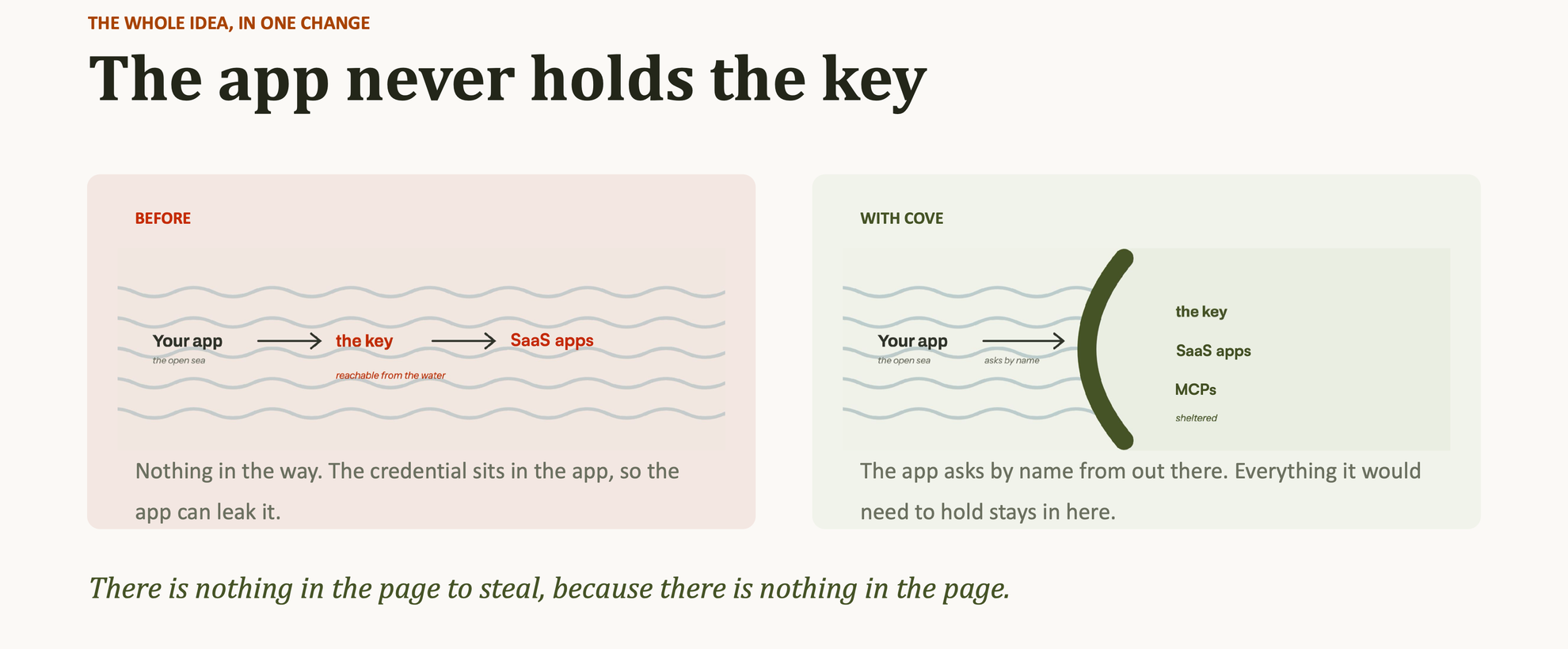
We named it Cove. A cove is a calm, sheltered inlet, protected from the open sea. Apps run out on the open water, in the browser, where anything in the page can be read. The keys and the connections to our systems stay inside the cove, and an app asks for what it needs by name.
Secure and easy at the same time
One question shaped every design decision. If people who aren't engineers are going to build software with a coding agent, how do we make the secure way to ship it also the easy way? Nobody should have to file a ticket or learn our infrastructure to do the right thing.
That question gave us three rules:
- A Cove app is plain HTML, CSS and JavaScript. There is no build step and no
package.json. What the agent writes is what the browser runs. - An app only talks to Cove. Anything that needs a secret, an identity or a policy decision is a call into Cove through a small SDK.
- Every app goes through the same security checks. Before anything goes live, Cove checks it against the security and compliance requirements we set for every Cove app, whoever wrote it.
How Cove fits together
Cove has four pieces, plus the security checks that sit in front of publishing.
Identity comes first. Cove sits behind our company identity provider and a zero-trust network layer. By the time someone sees the app gallery or opens an app, they are already signed in, and every Cove API checks who is calling on every request. That's why no app needs a login page. The app asks Cove who the viewer is and gets back a verified answer.
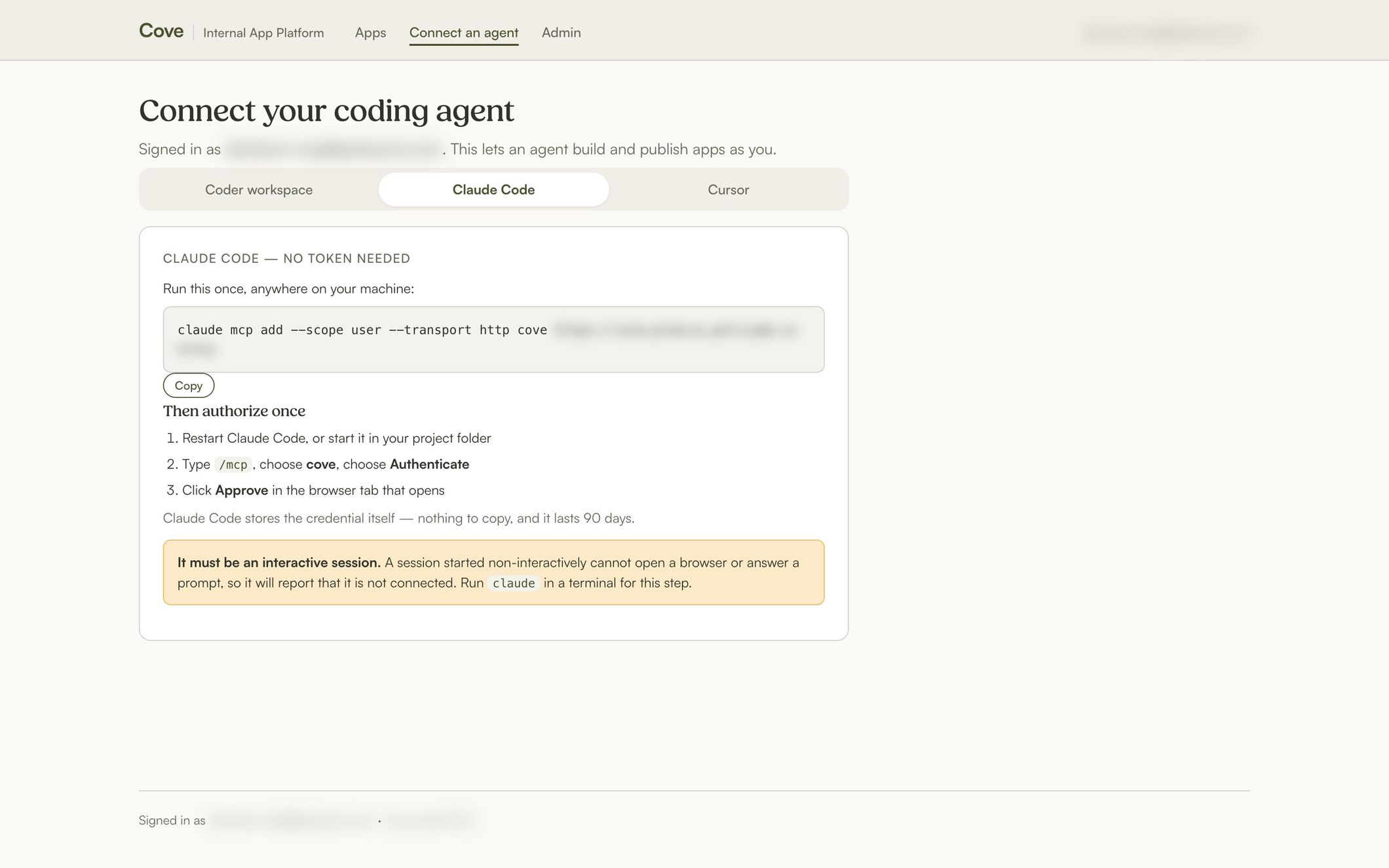
The MCP server is how agents build. A person connects Claude Code or Cursor once and approves it in the browser. From then on the agent works through a few tools:
get_platform_contexttells the agent the rules, the app templates and what the authorized user may use.create_appandwrite_app_filecreate the app and write its files.deploy_draftruns every check and serves a private draft.publish_draftmakes exactly that draft live.
There is no way to publish without a draft first.
The SDK is how apps reach the platform. It is small on purpose:
javascript
const me = await cove.identity.me();                // the signed-in employee
await cove.kv.put('notes', 'q3', draft);            // stored for this person, in this app
const reply = await cove.connect('llm', path, opts); // a named connector, never a URL
Each person's storage is private to them in each app, so one viewer can never overwrite another's data. For spreadsheets, an app sends a row key and named fields, and Cove writes only the columns that connector allows. The app can't name a cell, so a bug in it can't overwrite the rest of the sheet. When an app throws an error in someone's browser, the SDK reports it to Cove. The owner's agent reads those errors through the MCP server and can fix the app before anyone files a bug.
Connectors are how apps reach data. An app never holds a URL or a credential for an internal system. It names a connector, such as our internal LLM gateway, BigQuery, Slack or Google Sheets. Cove checks that the viewer's role may use that connector, adds the credential on the server, applies a rate limit and writes an audit record.
Because an app can only talk to Cove, every connector call goes through one place. Each app declares the connectors it uses, so we can see what every app can reach, and who used it and when, without reading its code. That makes adding a connector a deliberate decision. A new connector starts closed. Before an admin grants it to a role, we talk through what data it exposes, who needs it and what could go wrong. We can also limit it to the paths and methods apps need, for example read-only access.
Security checks run before anything goes live. Every draft and every publish goes through the same checks, which make sure the app meets the security and compliance requirements we hold every Cove app to. Cove scans every file and refuses any app whose code sends requests to a host other than Cove. Font stylesheets such as Google Fonts are the only outside hosts allowed. Cove also refuses build tooling, checks JavaScript syntax, and checks that the author holds every connector the app declares. When a check fails, the error message names the fix, because the reader is usually a coding agent.
Access is set per app. An app is open to everyone or restricted to roles such as Finance. Admins manage the roles, which connectors each role may use, and which AI models are on offer. Because every capability goes through Cove, extending the platform means adding an SDK call, an MCP tool or a connector once, for every app.
Figure 7 · How the pieces connect
Hover or tab to a part
Left: a coding agent in a secure cloud workspace, connected to Cove's MCP server over MCP. Right: an employee's browser behind the identity provider and zero-trust network, reaching Cove's identity layer. Middle: Cove, with an MCP server, identity, app hosting, an SDK and platform API, and connectors. Publish checks sit on the path from the MCP server into app hosting. Apps call the SDK and platform API, which uses connectors. Connectors fan out to internal systems: the LLM gateway, BigQuery, Slack and Sheets. Nothing in an app reaches those systems directly.
One more layer sits before Cove. People who build with coding agents work in secure cloud workspaces that we manage, so we also control which sites and systems an agent can reach, at the host and network level, while it builds.
What people have built
Teams across the company have published apps on Cove. A few we like:
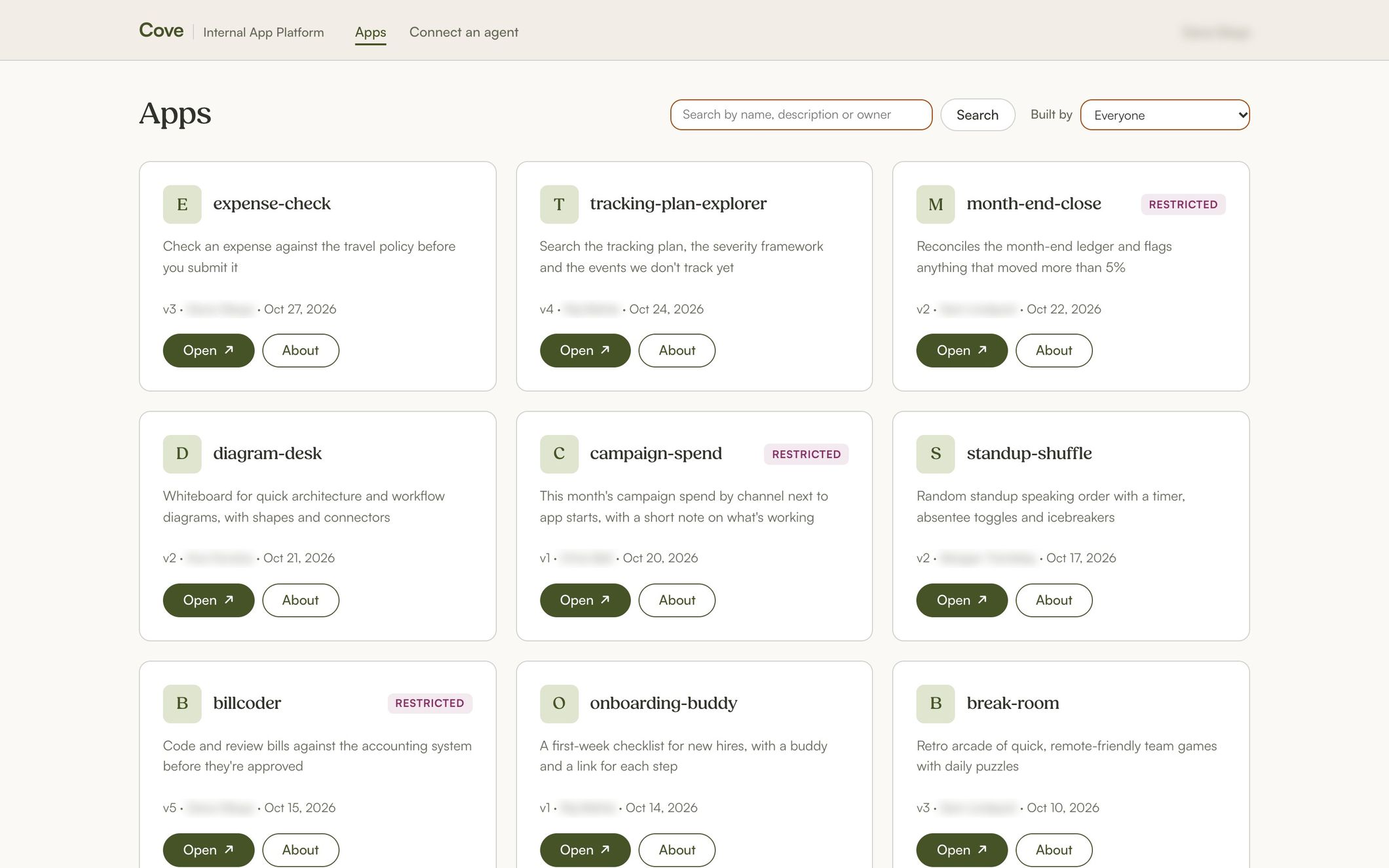
- Bill Coder helps finance code and review bills against the accounting system, through Cove's connectors.
- Tracking Plan Explorer lets people search our product analytics tracking plan, including event severity and events we don't track yet.
- Diagram Desk is a whiteboard for quick architecture and workflow diagrams.
- Break Room is a set of short daily games for a remote-first team.
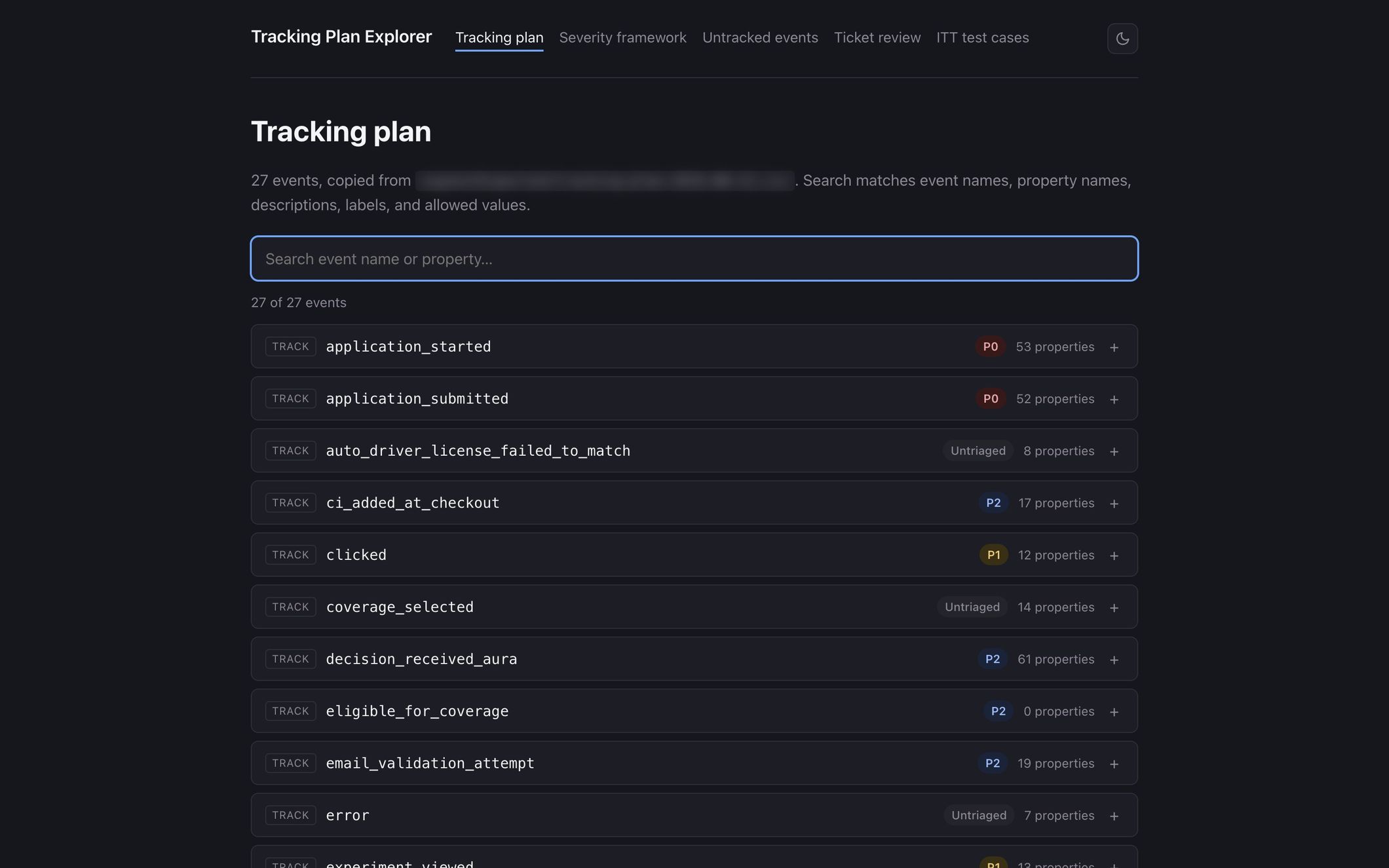
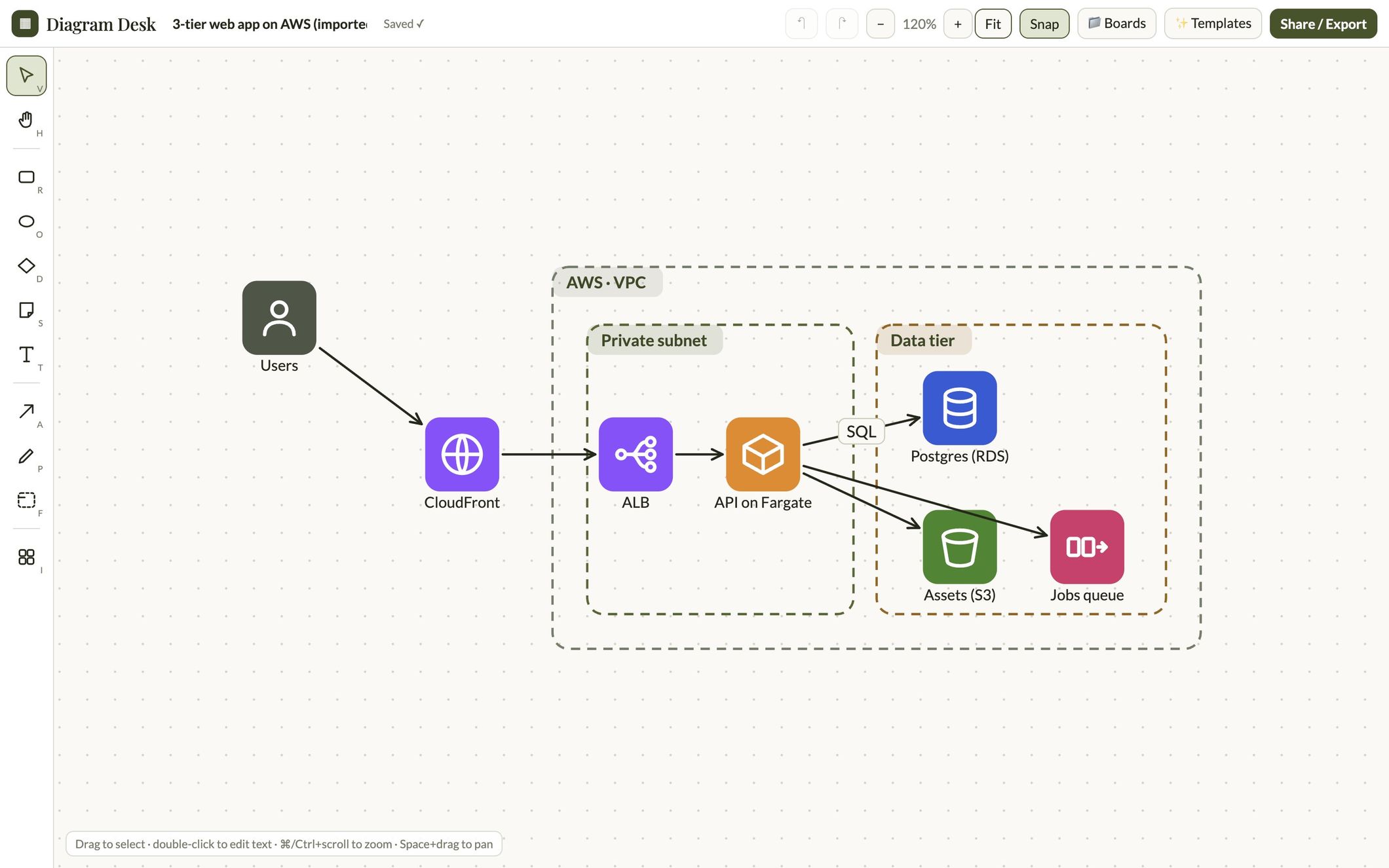
None of these apps has a login page, a stored key or its own idea of who may use it.
Small on purpose
Cove runs as one container service on AWS Fargate. Published app files live in S3, and app records, storage and the audit log live in Postgres. The security checks run in a Lambda service when an agent creates a draft. Because apps don't need build tools, we don't need a separate build system.
The no-build rule is what keeps it that small. Every app is plain HTML, CSS and JavaScript, so publishing is a scan and a copy to S3. There are no builds to run, no dependencies to patch and no servers per app to keep alive. That keeps Cove cheap to run, and it doesn't need a dedicated team to maintain it.
What's next
Next is Cove Docs. Teams already write design docs, incident reviews and explainers with Claude. Today those end up as a Claude artifact in one person's account, or as an HTML file copied by hand to an internal site with no access control per document. Cove Docs gives each document a link that opens only for the people it's shared with, with comments pinned to the text that the owner, or their agent, can answer.
HTML docs run in a sandbox with a strict Content-Security-Policy, so a doc's scripts can't act as the reader or send data anywhere. Our documents stay on our own infrastructure, with every publish, share and open audited. It also lets us retire an older internal site that only developers could publish to, so all our web explainers and artifacts live in Cove under the same guidelines and security controls as apps.
We also plan to write more about the infrastructure underneath Cove, and about how AI is changing the way we work so we can build better products for our clients.
Thanks to the teams at Shopify and Wealthsimple for writing up Quick and Magic in the open. Their write-ups shaped our design and gave us confidence in it. Quick showed that plain HTML with no build step, backed by a shared set of platform APIs, is enough for most internal tools. Magic showed that an agent can publish over MCP from inside the conversation, and that sign-in can come from the identity layer a company already runs.
Credits
- Abraham Nnaji
- Senior Software Engineer
- Gabriel Lee
- Staff Engineer